Turn a photo and a style into a polished artwork
Upload your content image, choose a painting or sketch reference, and let the network fuse structure, color, and brush texture into something that feels crafted, not filtered.
2 images
Content + style
1 click
Generate result
Fine control
Adjust strength
Error: Please upload style image
Quick visual feedback
Clean previews make it easy to see what you are uploading before you generate.
Style control
The strength slider helps you balance realism and artistic transformation.
Presentation first
Refined motion, glass panels, and soft lighting make the demo feel premium.
Examples
See the transfer before you try it
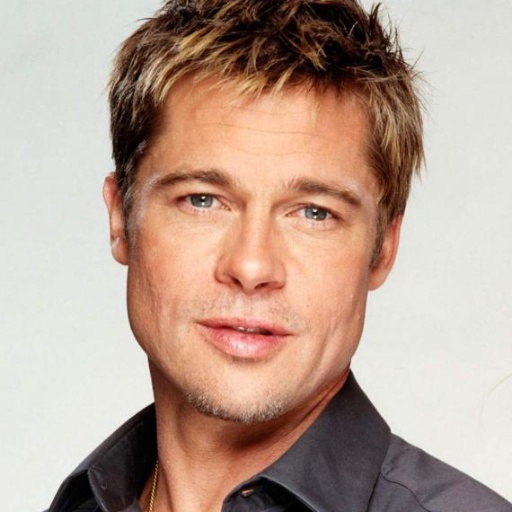
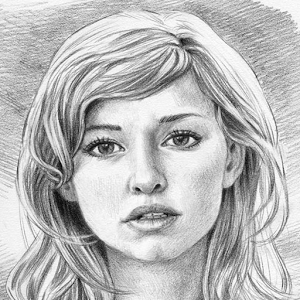
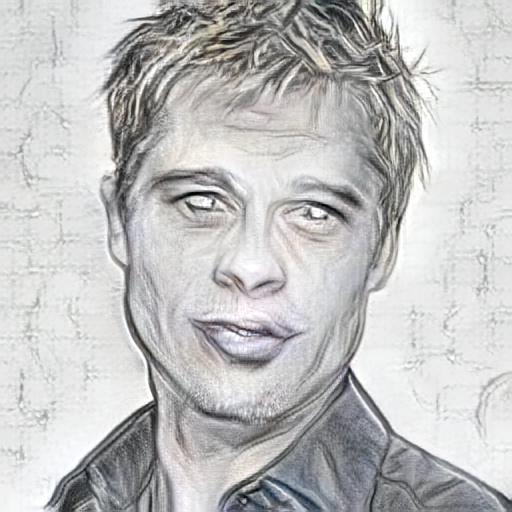
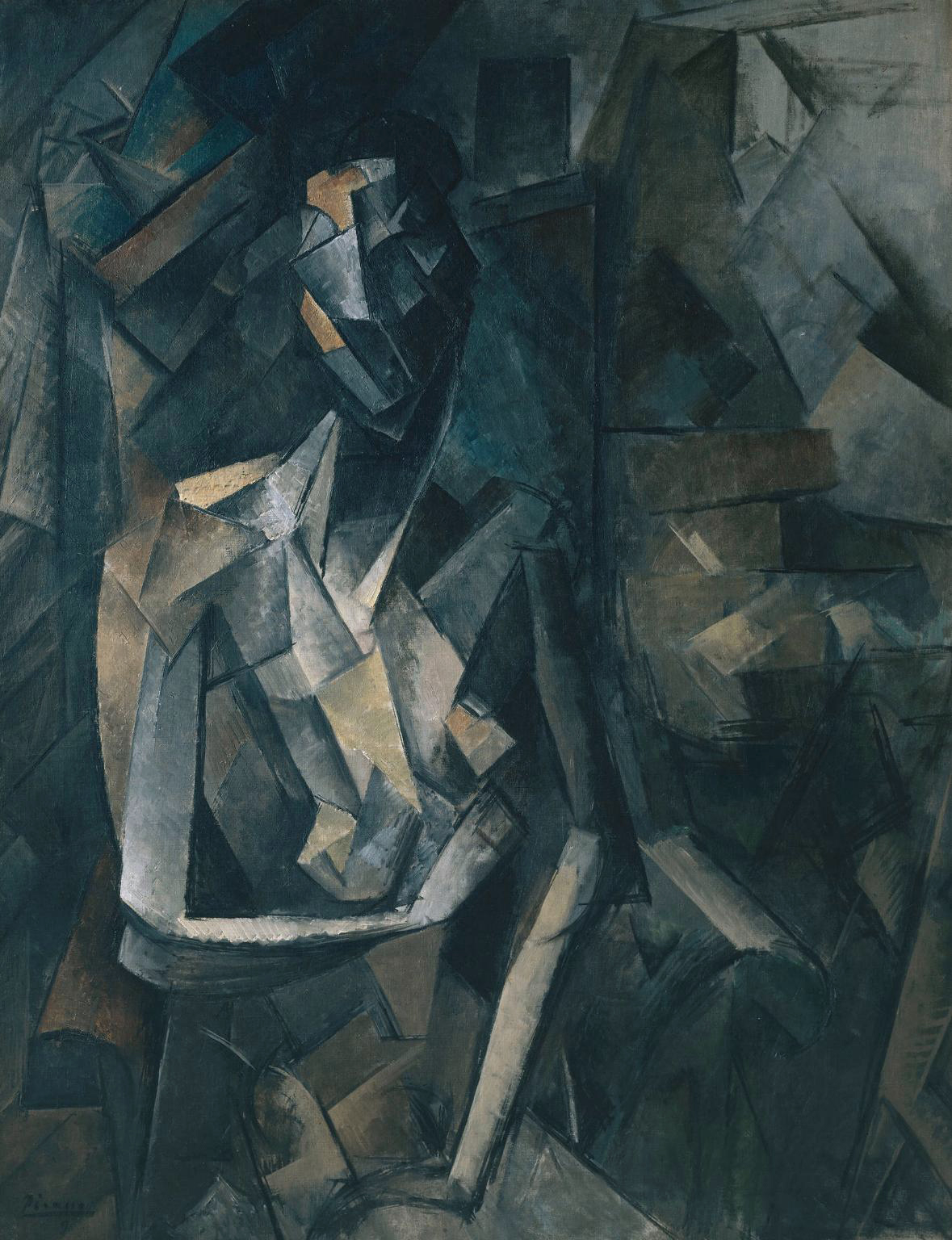
Each example pairs a content image with a style reference and shows the stylized result beside them, so the transformation feels clear and trustworthy.
Content Image
Style Image
->
Output
Content Image
Style Image
->
Output
.jpg)
FAQs
A few things people usually ask
Quick answers to help new users understand the experience, the model, and how much control they have over the final look.
No, we train a model ourselves.
This demo is currently available as a free experience.
You can use almost any painting style image (impressionist, abstract, cubist, watercolor, sketch, and more) as the style reference.
Python, PyTorch, Flask.
The model is trained on large-scale image datasets.